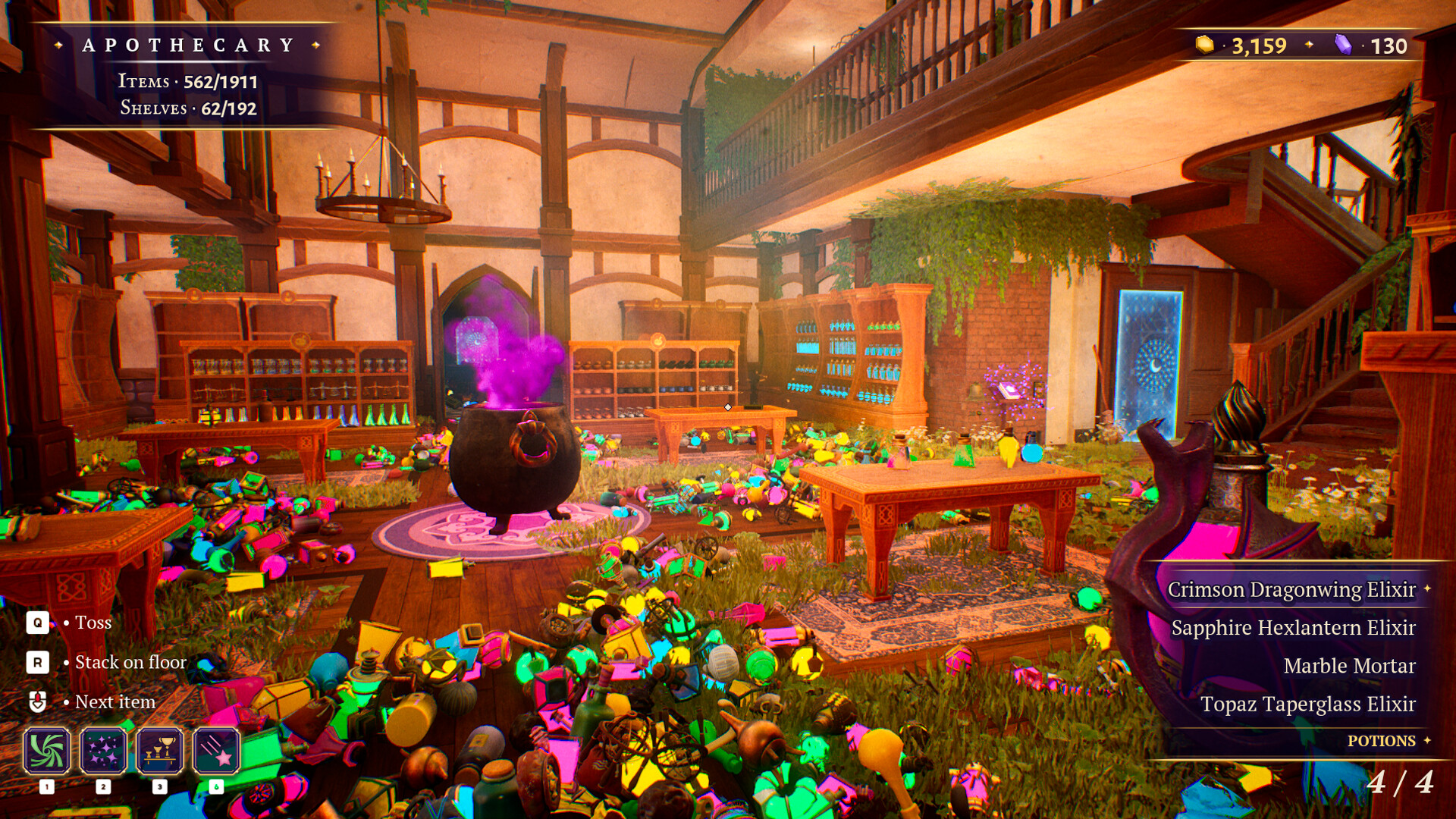
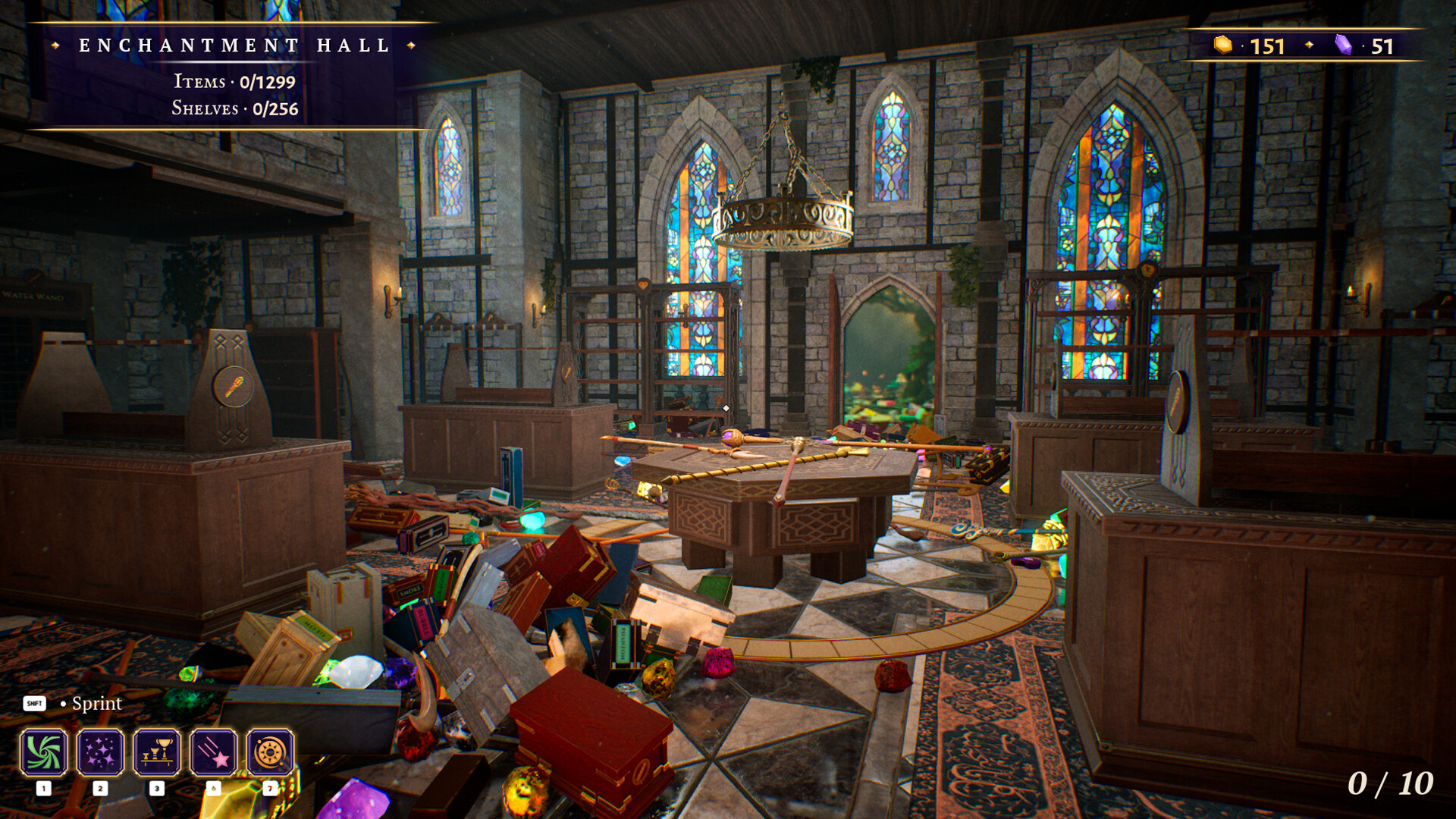
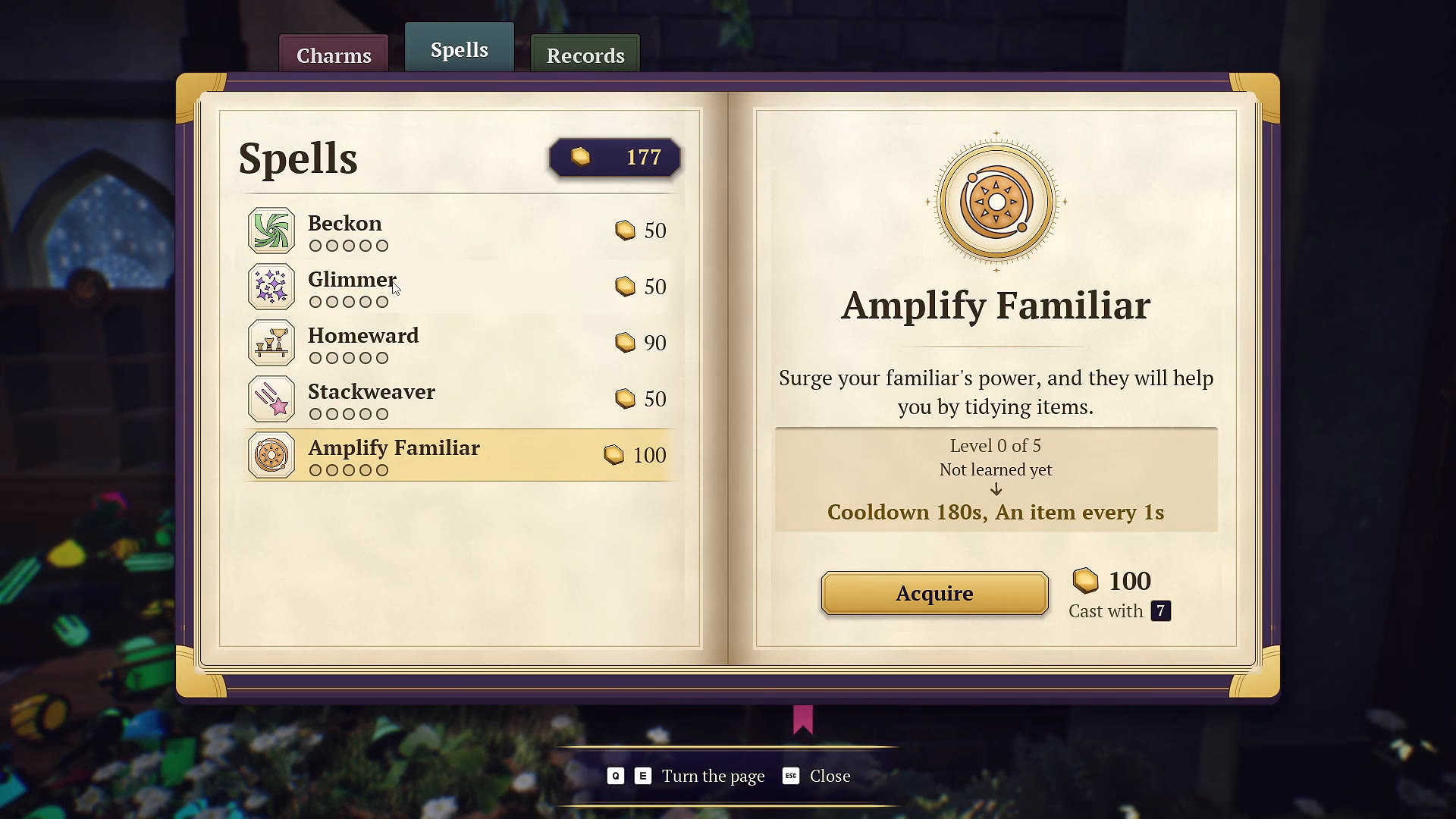
The summoning bell brings random items from the floor into your inventory for a price. It is a way to recover loose objects during a final search, rather than a way to choose one particular missing item by name.
How to use the bell
- Review the current room’s remaining item and shelf indicators.
- Find its summoning bell and read the displayed cost.
- Check your inventory and currency before ringing it.
- Inspect the items it gives you, read their categories, and put them away.
- Recheck progress before paying for another use.
The Apothecary tutorial explicitly describes random floor items and a price. The screenshot shows a cost beside the bell; check your current game instead of assuming that amount applies in every context.
Bell, Beckon or Glimmer?
| Tool | Best question to ask |
|---|---|
| Summoning bell | Are there loose floor items I have failed to find? |
| Beckon | Can I gather more of this selected item type? |
| Glimmer | Can I make items matching this selected type easier to see? |
Use the spell guide for the spell functions and upgrade suggestions. A random bell result may help tidy the room without being the exact item you were searching for.
When the bell seems unable to help
The October 14 patch addressed a bug where the bell could fail to find stuck objects. Update the game, then retry before treating an older workaround as necessary. This fix does not prove that every missing object or misplaced shelf item can be recovered through the bell.
If a shelf remains unfinished, compare the selected item’s category and the shelf-board count too. Record the room, remaining counters and bell behavior if the issue persists.
Looking specifically for a broom?
Check the missing broom update first. The October 16 patch moved one broom from the top of the stairs into the Apothecary. This recording predates that move, so use the patch note for the location change and the video only for bell behavior.
WATCH THE REFERENCE
See this step on YouTube.
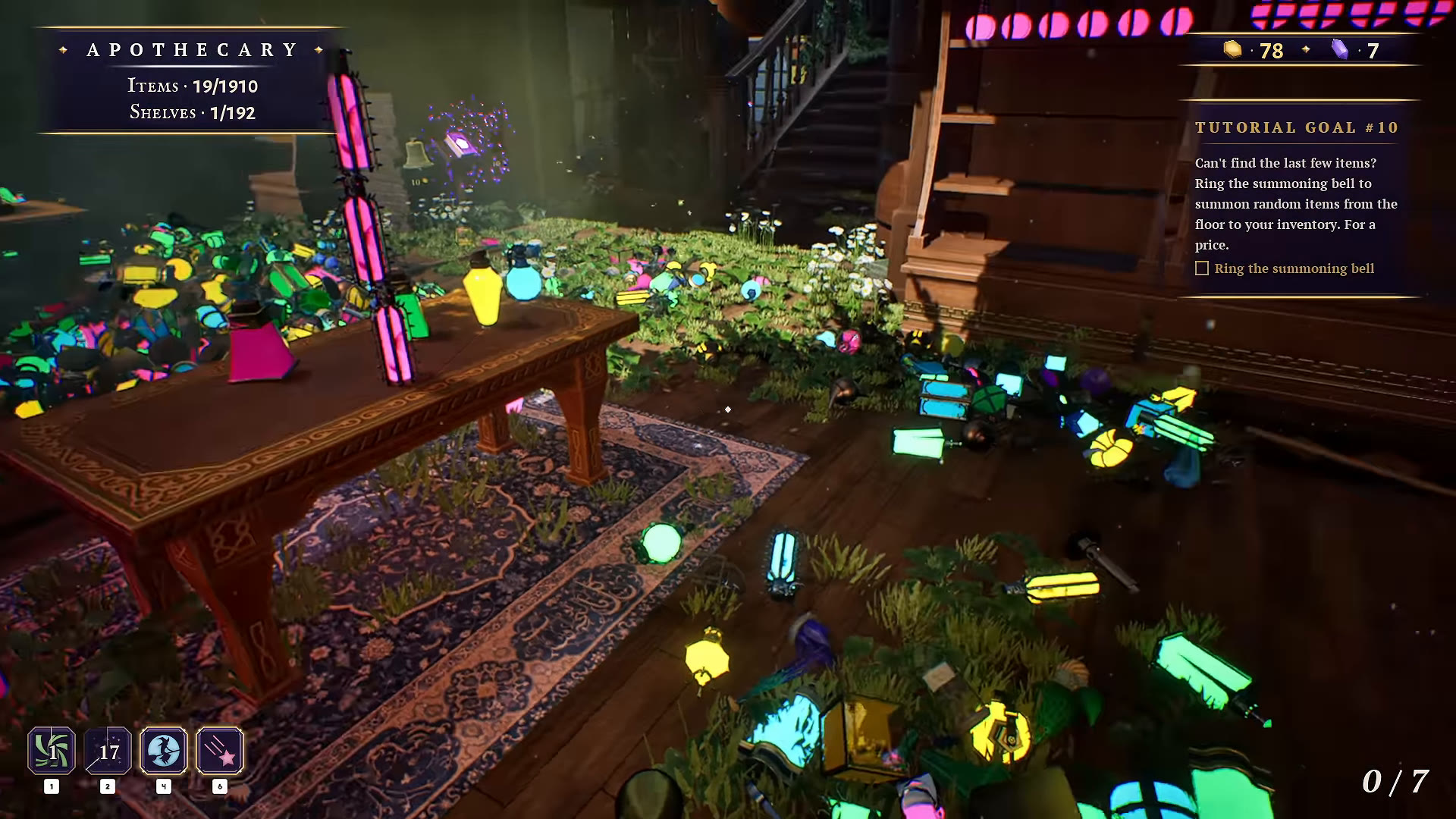
Gameplay by atheenabean. Opens the original video at the relevant moment; later scenes may contain spoilers.
Watch on YouTube at 0:20:28 ↗YOUR PERSONAL FIELD NOTES
A small checklist
Saved in this browser when storage is available. Not connected to your game.
Sources & scope
Based on selected gameplay frames and English captions from atheenabean’s October 14 playthrough, reviewed October 21. We checked the pictured UI; this is not our own hands-on completion test. The recording predates the October 16 patch. Follow current in-game prompts if they differ.