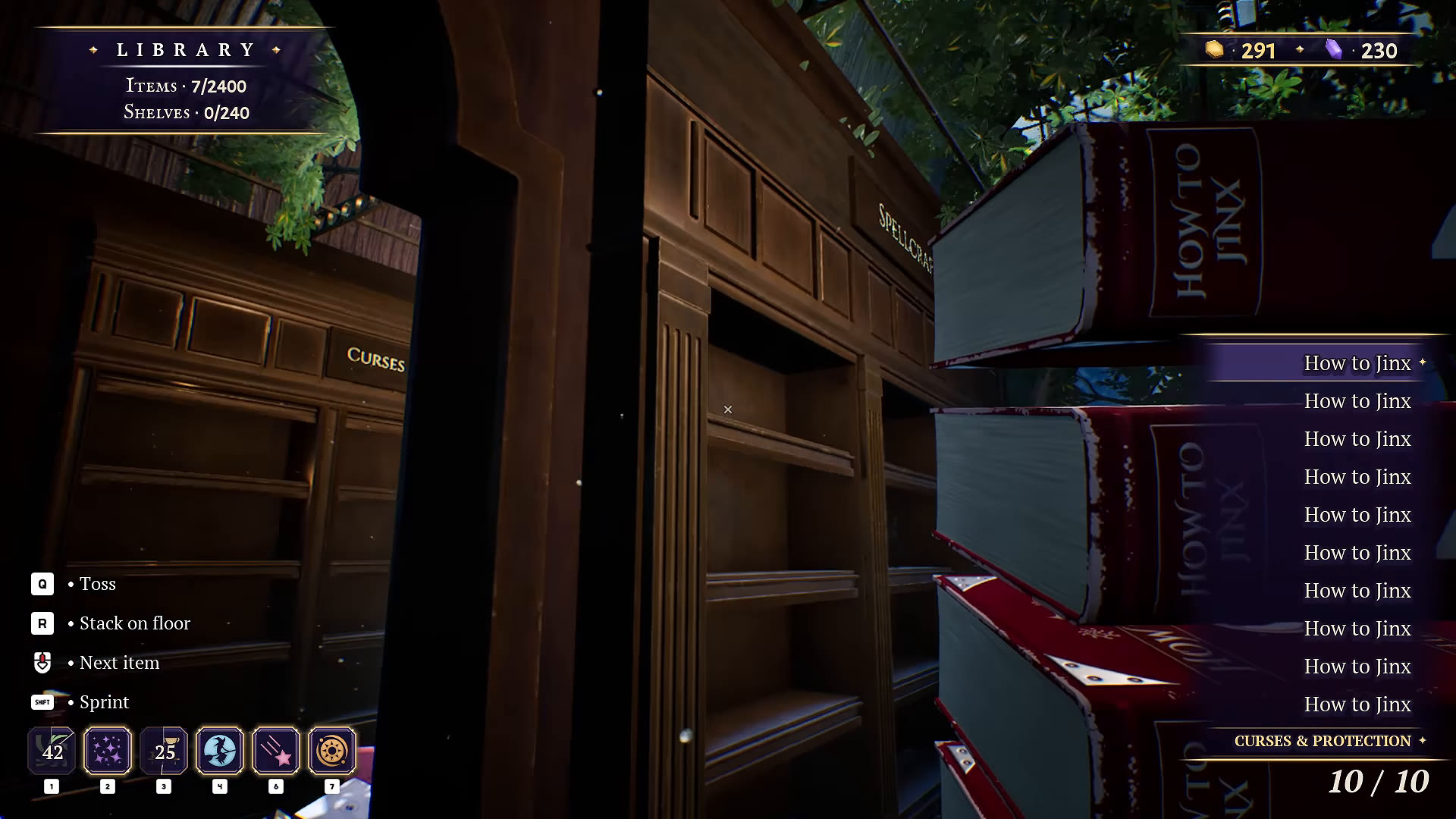
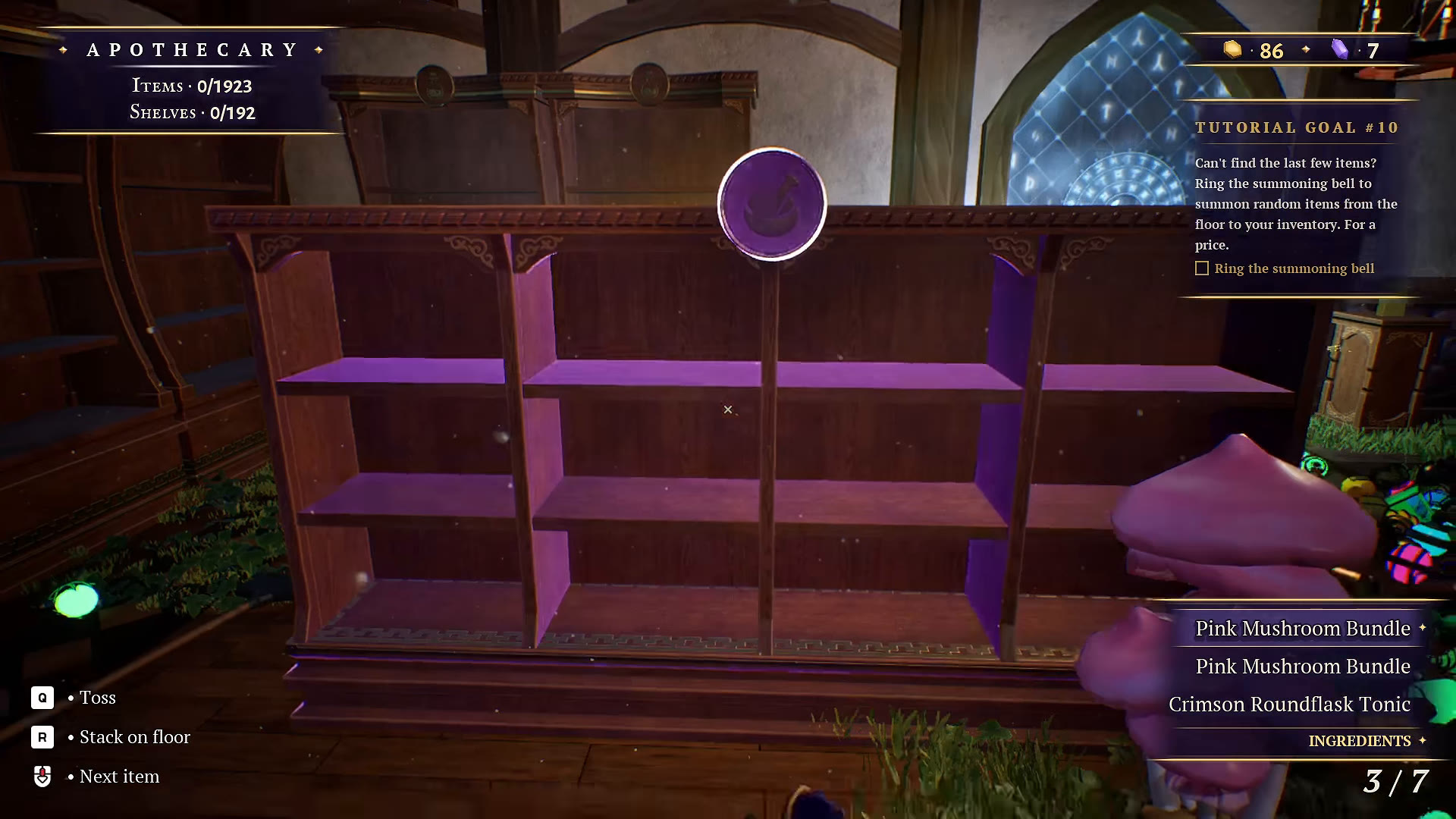
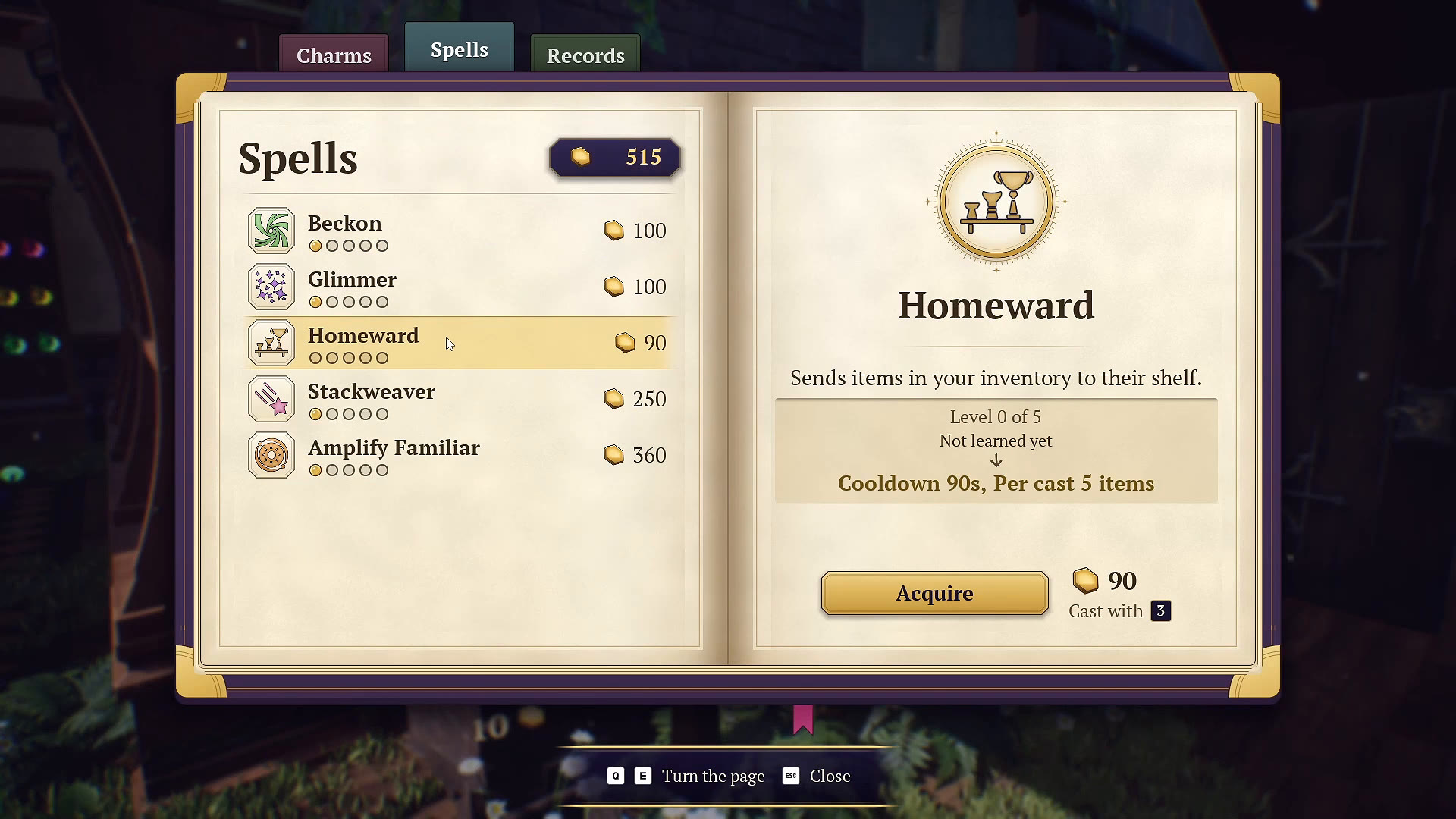
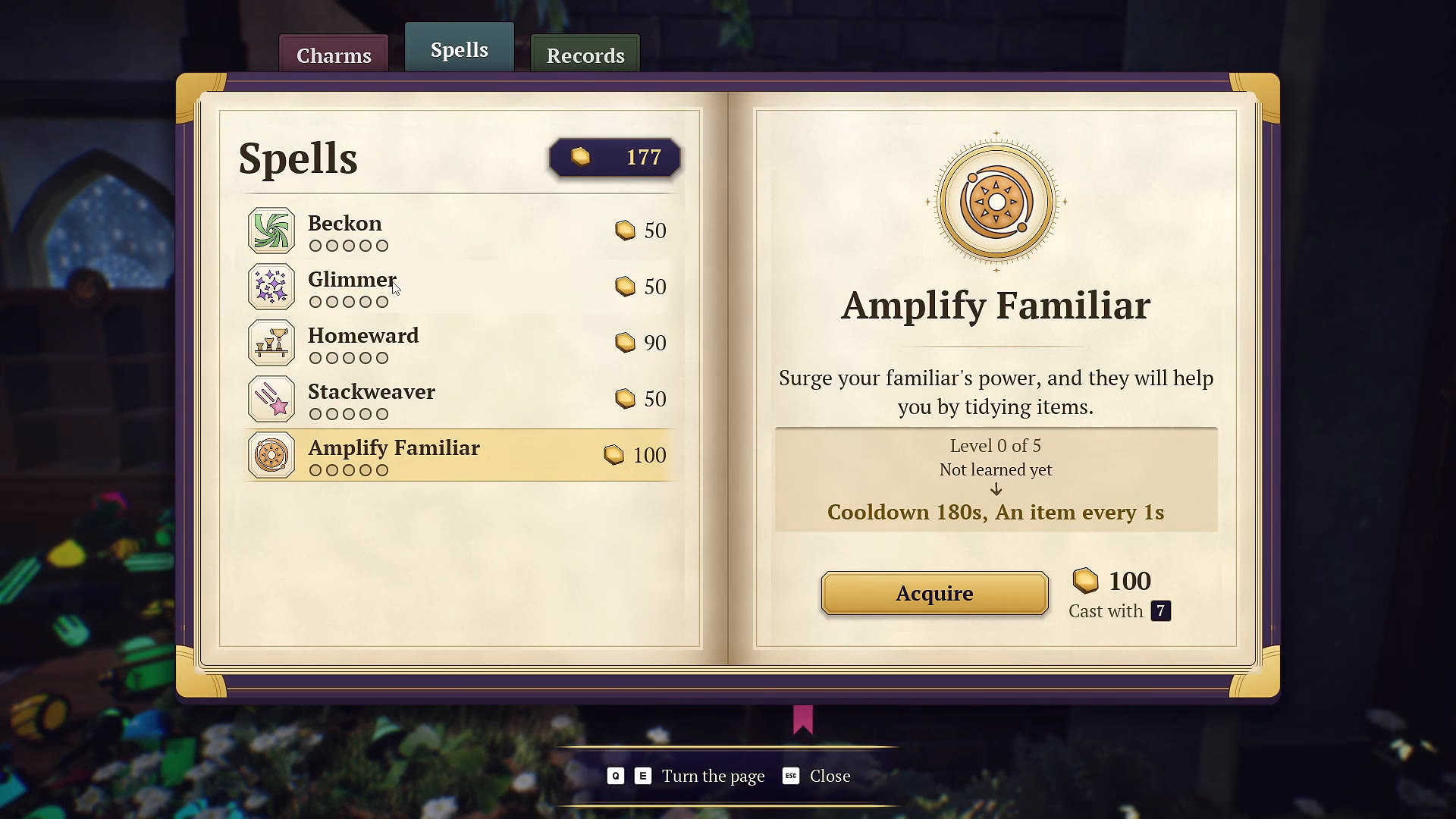
Choose a spell for the part of sorting that is slowing you down: finding a matching item, gathering it, grouping clutter, or putting inventory away. The enchanted ledger shows five spells, and they solve different problems.
What each spell does
| Spell | Function shown in the ledger | When it helps |
|---|---|---|
| Beckon | Fills inventory with matching copies of the held item. | Gathering one known item type for a batch. |
| Glimmer | Makes items matching the held type glow and float. | Finding similar objects in floor clutter. |
| Homeward | Sends inventory items to their shelf. | Reducing repeated trips to put items away. |
| Stackweaver | Arranges loose items into piles. | Making scattered floor clutter easier to handle. |
| Amplify Familiar | Boosts the familiar so it helps tidy items. | Getting help while you work on another group. |
These functions were checked against the on-screen ledger, rather than inferred from the icons. Use your own ledger for current costs, ranges and cooldowns.
Our suggested early unlock order
- Beckon first if your main task is collecting repeated copies. Hold the item you actually want before casting.
- Add Homeward when carrying batches back to shelves becomes tedious. At its initial level in this recording, it handles five items per cast, so a full inventory can need another cast or manual placement.
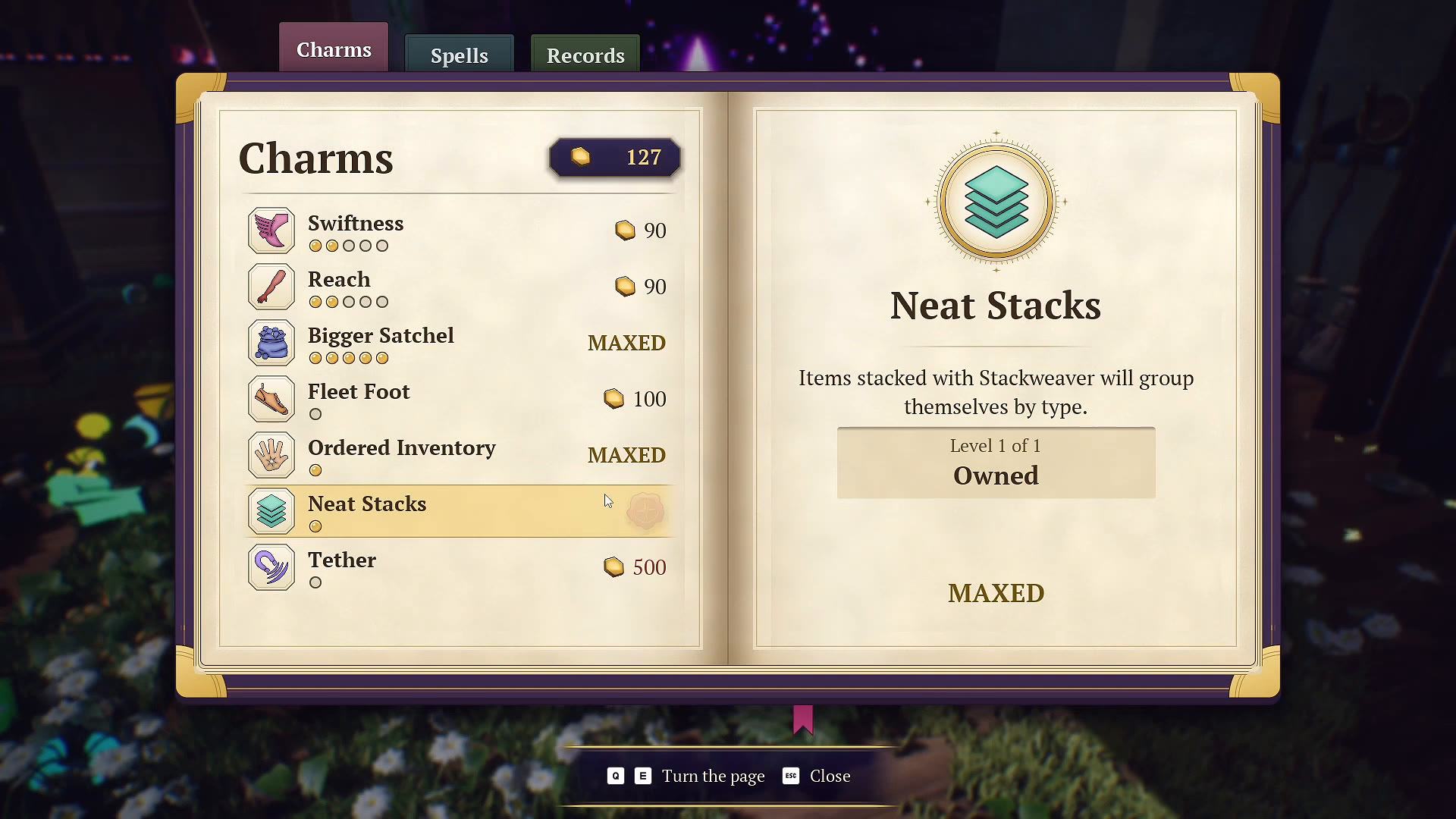
- Add Stackweaver and Neat Stacks if mixed floor piles are slowing you down.
- Choose Glimmer earlier if seeing the right object is harder than carrying it.
- Use Amplify Familiar when you want help tidying while you organize.
This is our suggested workflow, not a measured fastest route. A player who enjoys hand placement may prefer different purchases.
Stackweaver versus Neat Stacks
Stackweaver creates piles. Neat Stacks is a separate charm: its ledger description says those stacks group by item type. If you expected every pile to be neatly separated, check whether you own the charm as well as the spell.
A simple sorting loop
Select one item, read its category, then use Beckon to collect a matching batch. Put the batch away manually or use Homeward. While those spells cool down, inspect the next shelf or gather another type. Use Glimmer when you need a visual clue and Stackweaver when the floor needs regrouping.
Before upgrading several levels, read the before-and-after values in the ledger. In this recording, upgrades can change cooldowns or capacity, and the next purchase price changes with level. The keys shown in the video are recording-specific; follow your current bindings.
When the bell is a better tool
The summoning bell draws random floor items into inventory for a price. It is useful for a last-item search, but does not offer the same targeted matching workflow as Beckon. Read the bell guide before spending currency repeatedly.
WATCH THE REFERENCE
See this step on YouTube.
Gameplay by atheenabean. Opens the original video at the relevant moment; later scenes may contain spoilers.
Watch on YouTube at 0:17:19 ↗YOUR PERSONAL FIELD NOTES
A small checklist
Saved in this browser when storage is available. Not connected to your game.
Sources & scope
Based on selected gameplay frames and English captions from atheenabean’s October 14 playthrough, reviewed October 21. We checked the pictured UI; this is not our own hands-on completion test. The recording predates the October 16 patch. Follow current in-game prompts if they differ.