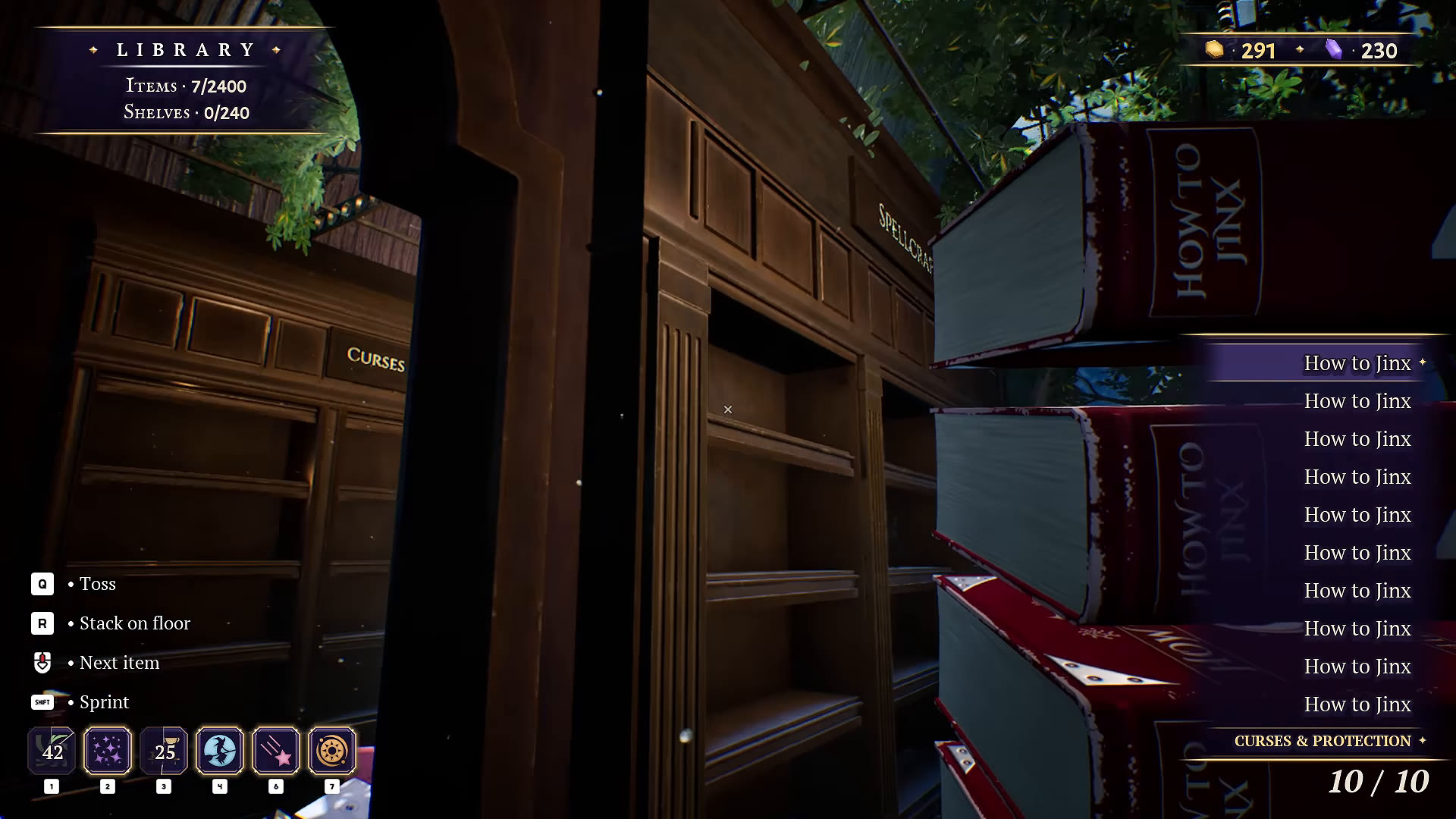
Select a book and read the gold category line beneath the inventory list. Match that category to the bookcase sign. The game gives you a stronger clue than a book’s cover color or a guess about its title.
How to find a book’s category
- Pick up a book and make it the selected item.
- Look below the inventory names on the right. The gold line identifies its category.
- Find the bookcase with the matching category sign.
- Place the book, then check the room and shelf indicators before moving on.
In the pictured example, How to Jinx displays Curses & Protection. Use this method whenever a title sounds as though it could fit two subjects.
The six Library categories
| Bookcase category | What to check |
|---|---|
| Magical Creatures | Match the selected item’s category to this sign. |
| Spellcraft | Keep this separate from Charms & Enchantment. |
| Curses & Protection | Confirmed example: How to Jinx. |
| Spirits & Necromancy | Read the full sign rather than guessing from a dark cover. |
| Charms & Enchantment | Check the inventory category for ambiguous spell-related titles. |
| History & Lore | Confirmed example: Lost Libraries Throughout Magical History. |
The category signs are read in the recording around 3:09:45. These examples are a small verified reference, not a complete list of every book.
Sort categories first, decorate afterwards
Our suggested route is one bookcase at a time. Keep an obvious starting point and move around the room in the same direction. Select each unfamiliar title to read its category before carrying it across the Library.
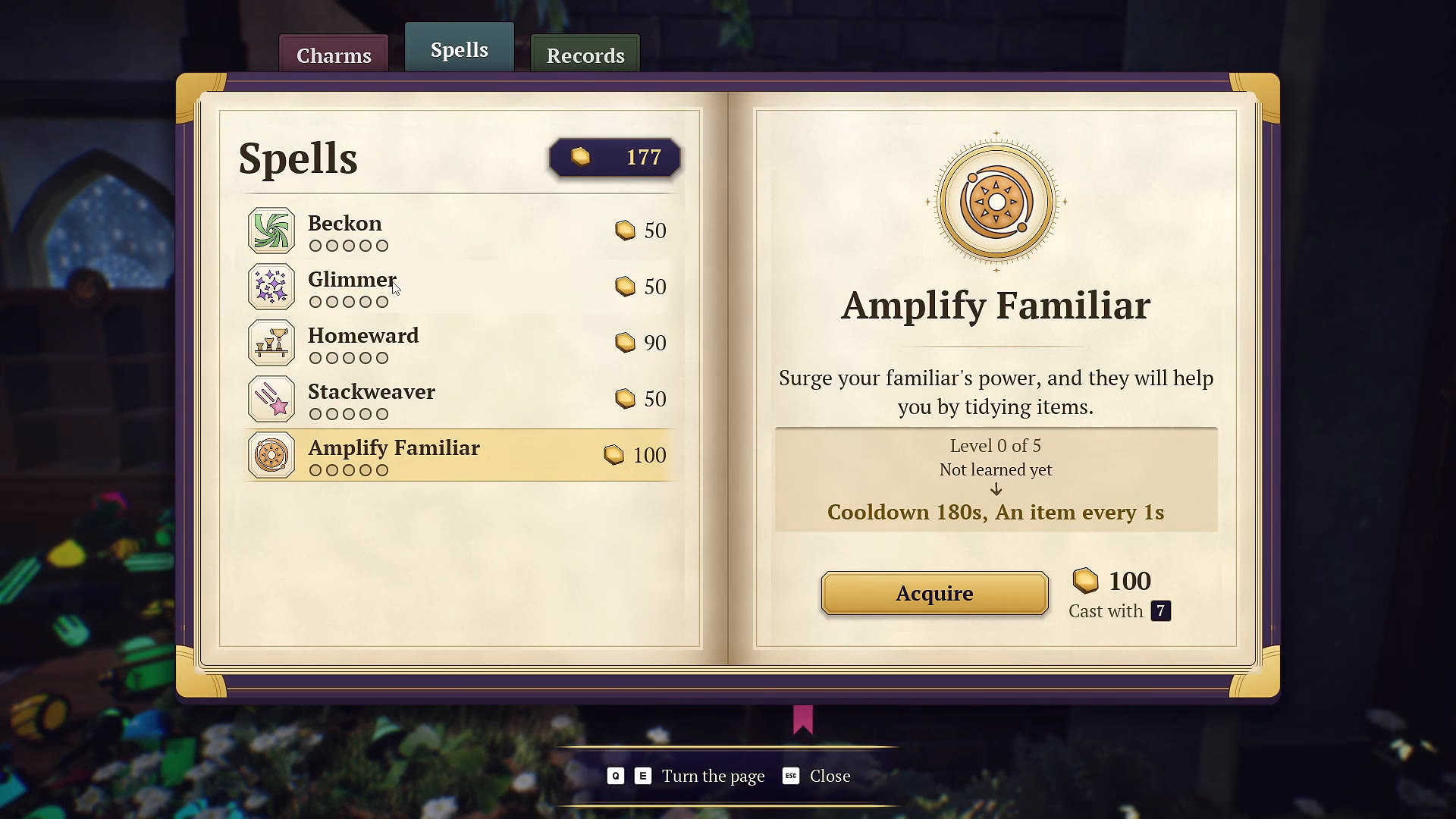
Matching books can be gathered with Beckon. Stackweaver with the Neat Stacks charm can group loose items by type; Homeward sends inventory items to shelves. See the spell and upgrade guide for the differences.
Use color or alphabetical ordering as a personal organizing aid after category checks. We have not established alphabetical order as a completion requirement.
Why the room total can change
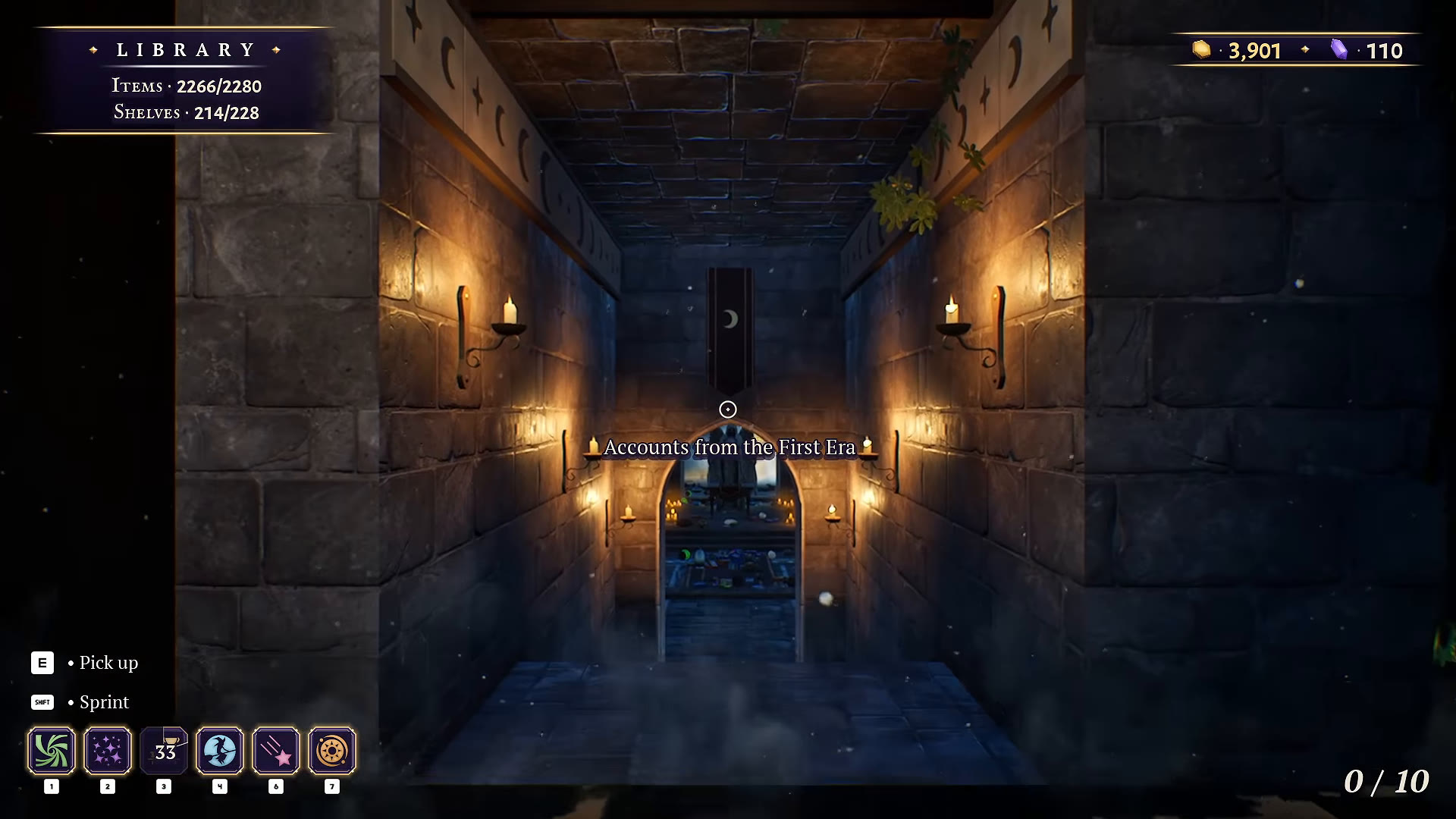
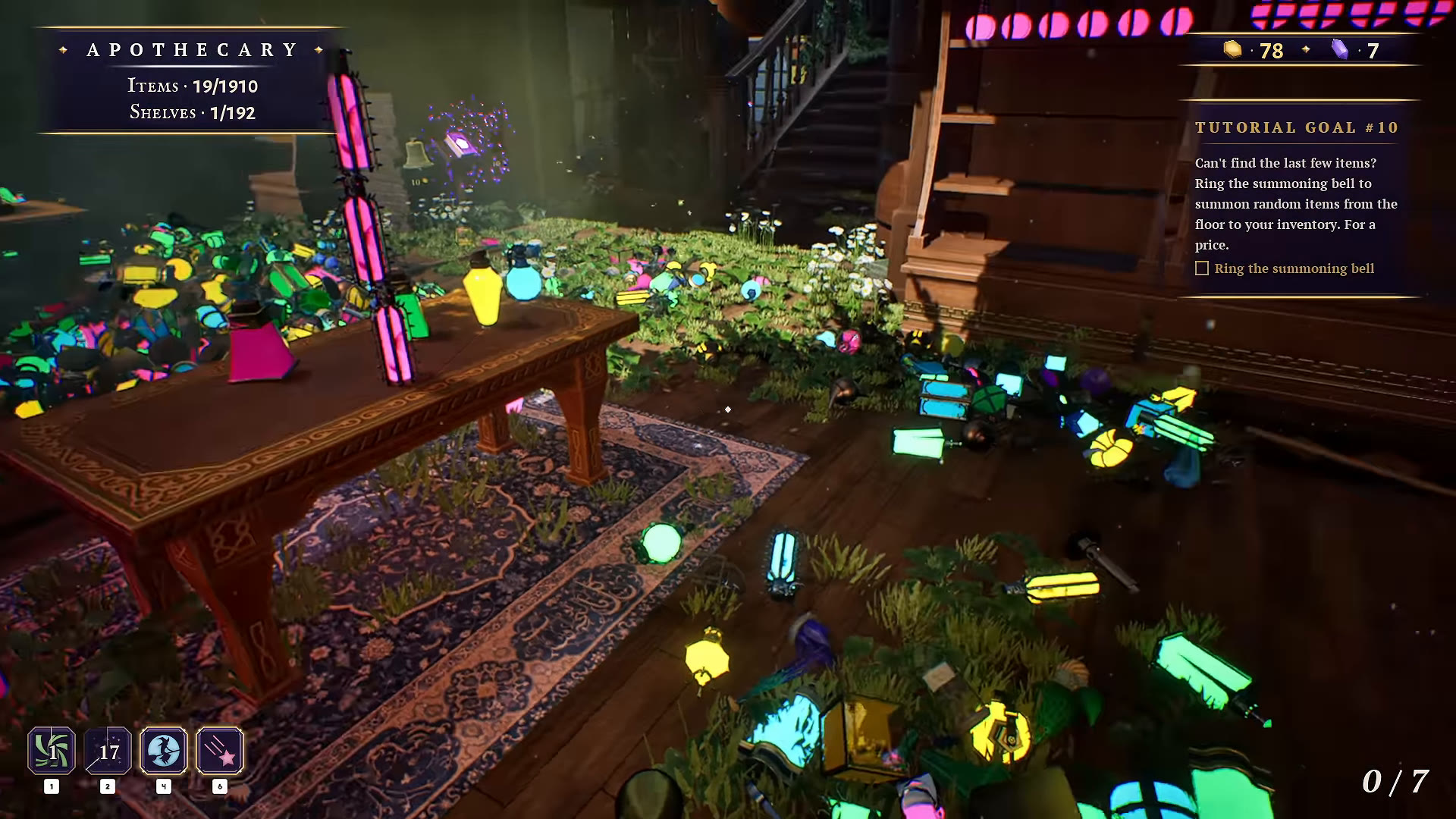
At the start of the Library sequence, the recording shows 2,402 items and 240 shelves. Near the hidden-passage reveal it shows 2,280 items and 228 shelves. A single fixed total from this recording is therefore a poor universal checklist. Compare your own current indicators and inspect the newly exposed area.
The hidden passage guide shows the staircase revealed behind the Library shelving. Its precise trigger still needs a separate test.
If a shelf still seems unfinished
Check the selected item’s category again, then inspect that bookcase and nearby floor before changing the whole arrangement. Use the updated shelf-board counts as an additional clue. If the tree traps your character, the October 16 update changed its collision mesh: update before trying an elaborate workaround.
WATCH THE REFERENCE
See this step on YouTube.
Gameplay by atheenabean. Opens the original video at the relevant moment; later scenes may contain spoilers.
Watch on YouTube at 3:12:20 ↗YOUR PERSONAL FIELD NOTES
A small checklist
Saved in this browser when storage is available. Not connected to your game.
Sources & scope
Based on selected gameplay frames and English captions from atheenabean’s October 14 playthrough, reviewed October 21. We checked the pictured UI; this is not our own hands-on completion test. The recording predates the October 16 patch. Follow current in-game prompts if they differ.