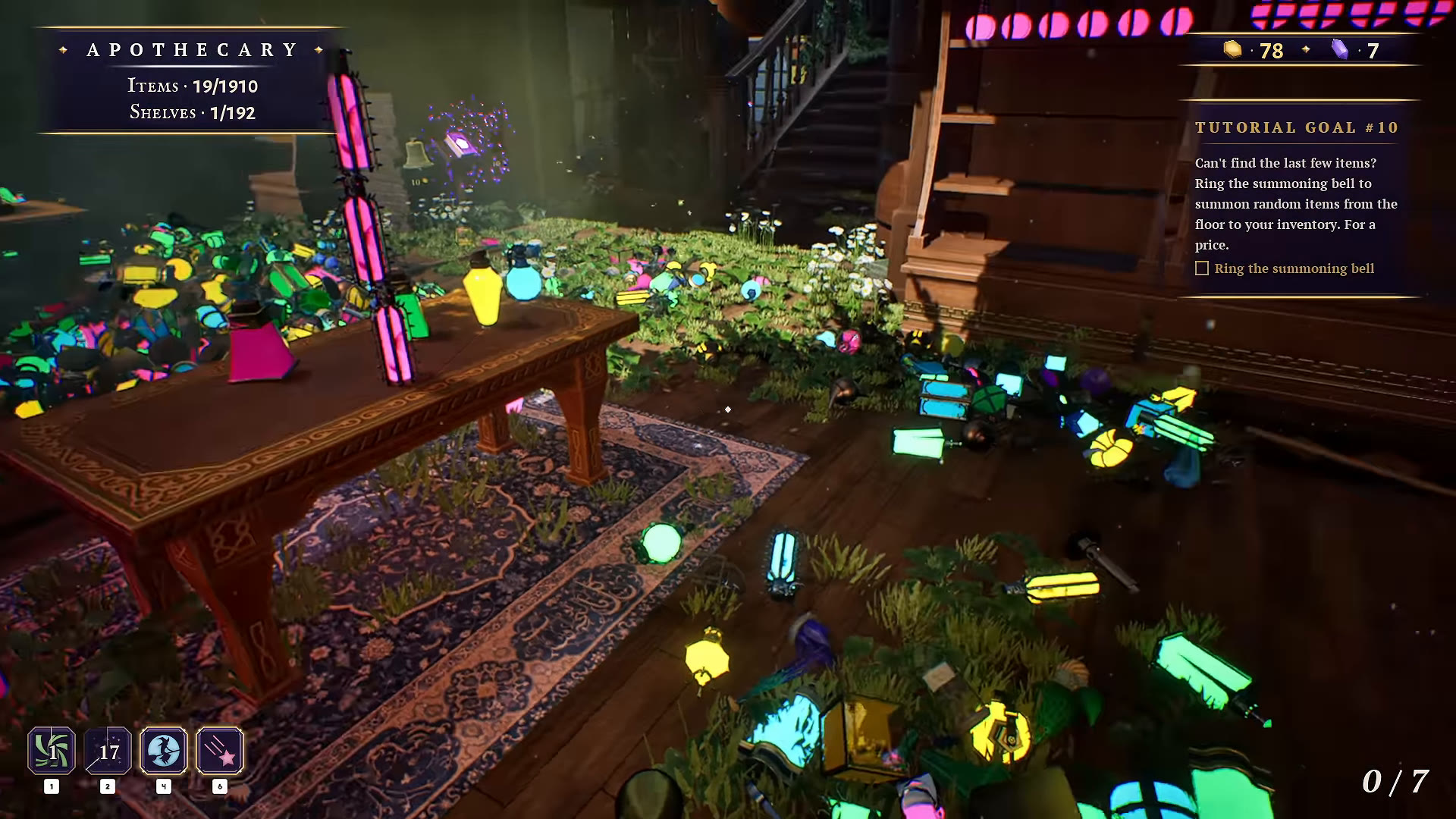
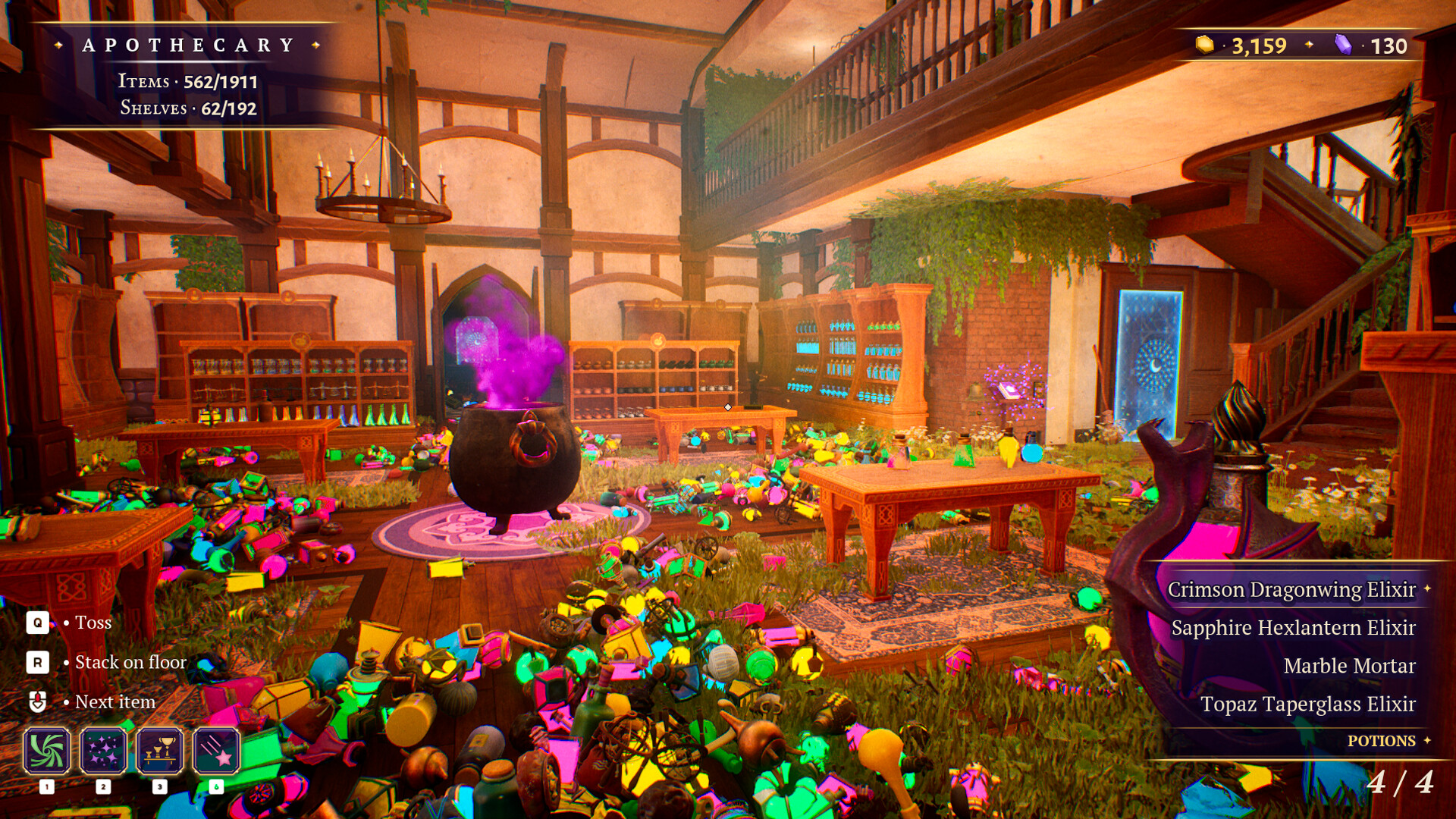
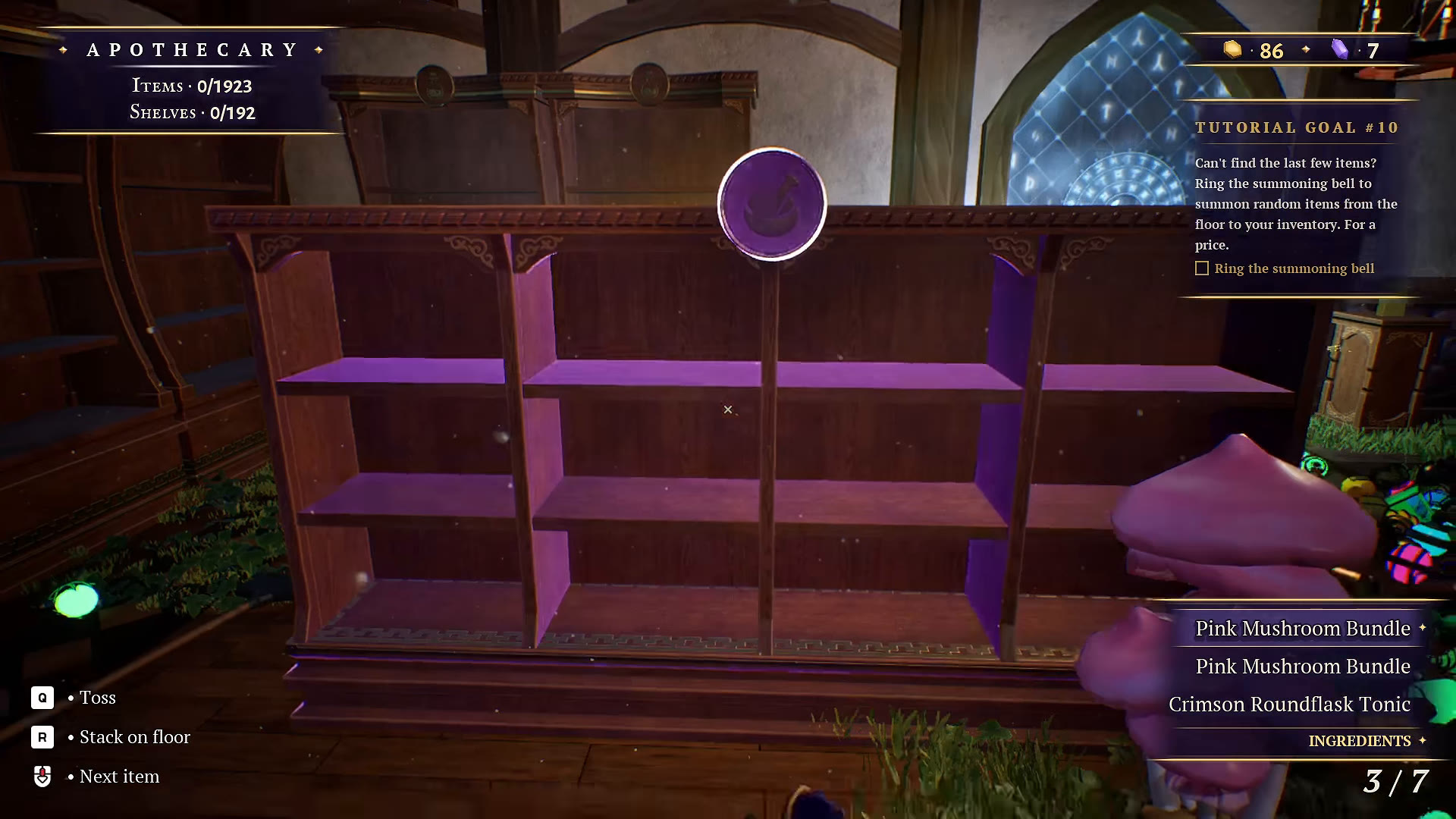
Start the Apothecary by reading the selected object’s category. Pink Mushroom Bundle is labeled Ingredients in the footage; a potion bottle is labeled Potions. This gives you a useful first split before tackling hundreds of similar-looking objects.
Read the category beneath the inventory
| Verified item | Category shown | How to use the clue |
|---|---|---|
| Pink Mushroom Bundle | Ingredients | Look for the ingredient storage area; keep it separate from bottles. |
| Emerald Taperglass Elixir | Potions | Compare the full bottle name before grouping similar colors. |
The mushroom example is visible at 13:26; the elixir example at 1:14:28. These are confirmed examples, not an exhaustive list of Apothecary items.
Keep the full potion name in view
Pick one bottle family at a time. Compare the full selected name, including its shape and potion name, rather than sorting only by green, blue or yellow. In this recording, the player repeatedly rearranges groups and searches for a missing bottle type after relying on visual similarity.
Our recommendation is to identify a storage area, gather a matching batch with Beckon, then review its progress before starting another family. Use Glimmer if the same type is hard to see among plants and loose objects.
Use floor clearing as a second pass
When searching one specific item stops helping, switch to clearing one patch of floor at a time. The recording changes to this approach around 1:57:52 and remarks that grass makes some objects difficult to see. The settings added on October 14 include Apothecary grass and dust toggles; try those if visual clutter is the problem.
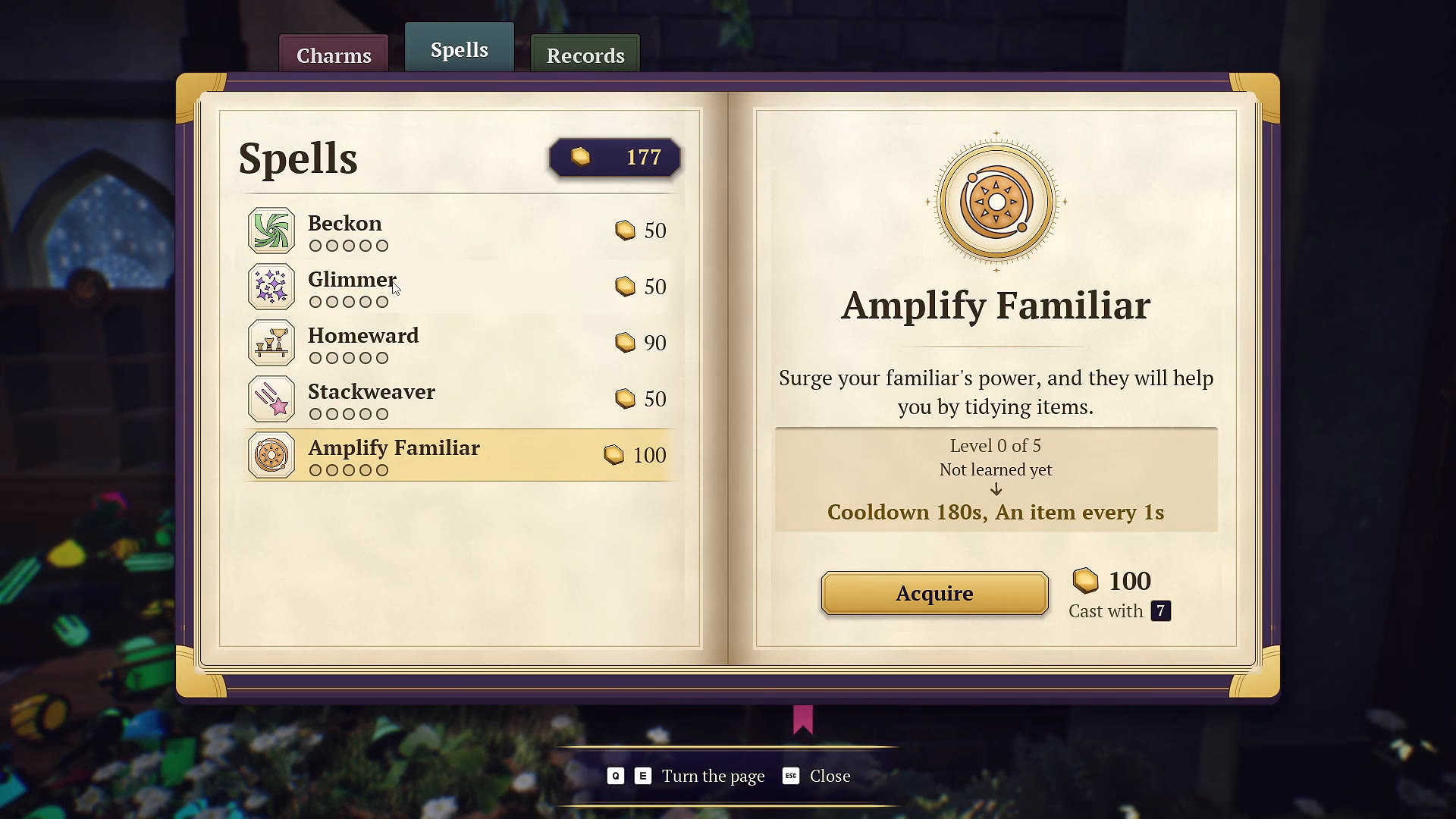
Use the spell guide to distinguish gathering, highlighting and automatic shelving. These tools can reduce repeated searching without forcing a particular decorative layout.
Check the last items against the updated game
For remaining floor items, try the summoning bell after checking its cost. If the missing object is a broom, use our updated broom note: the October 16 patch moved one into the Apothecary. This October 14 recording is too old to establish its current exact spot.
The room is marked tidied at 2:07:17 in this playthrough. Your current room and shelf indicators are more useful than copying a fixed item total from the video.
WATCH THE REFERENCE
See this step on YouTube.
Gameplay by atheenabean. Opens the original video at the relevant moment; later scenes may contain spoilers.
Watch on YouTube at 0:13:23 ↗YOUR PERSONAL FIELD NOTES
A small checklist
Saved in this browser when storage is available. Not connected to your game.
Sources & scope
Based on selected gameplay frames and English captions from atheenabean’s October 14 playthrough, reviewed October 21. We checked the pictured UI; this is not our own hands-on completion test. The recording predates the October 16 patch. Follow current in-game prompts if they differ.