Before changing several settings at once, update the game and decide what you are trying to improve: a crowded screen, visual effects, sound, or frame pacing.
Make the inventory easier to read
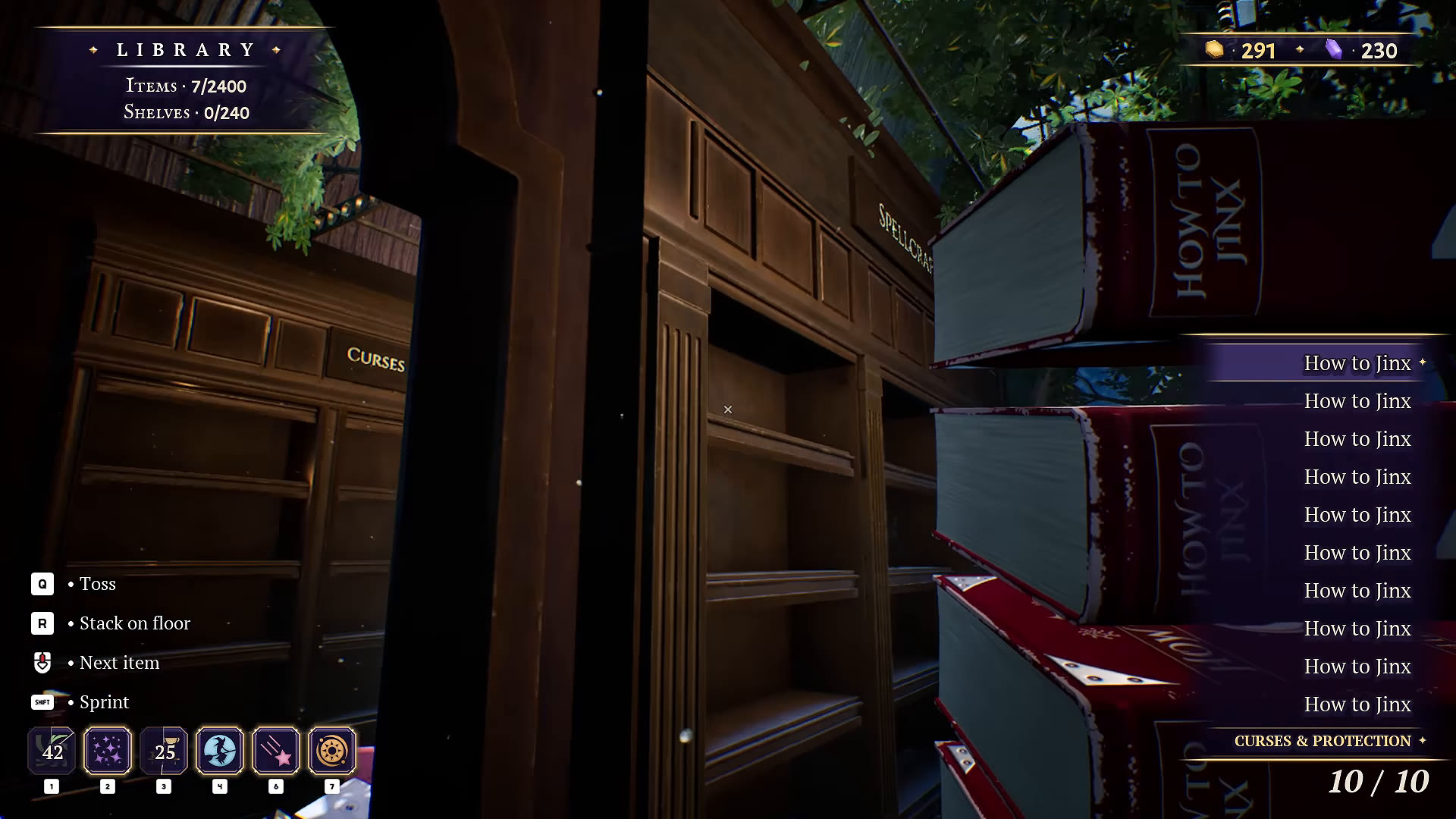
The October 16 patch added an inventory-size slider and a selected-item-only display. Adjust these first if long item names obscure the room. Pick a size that stays readable on your actual display.
Reduce distracting effects
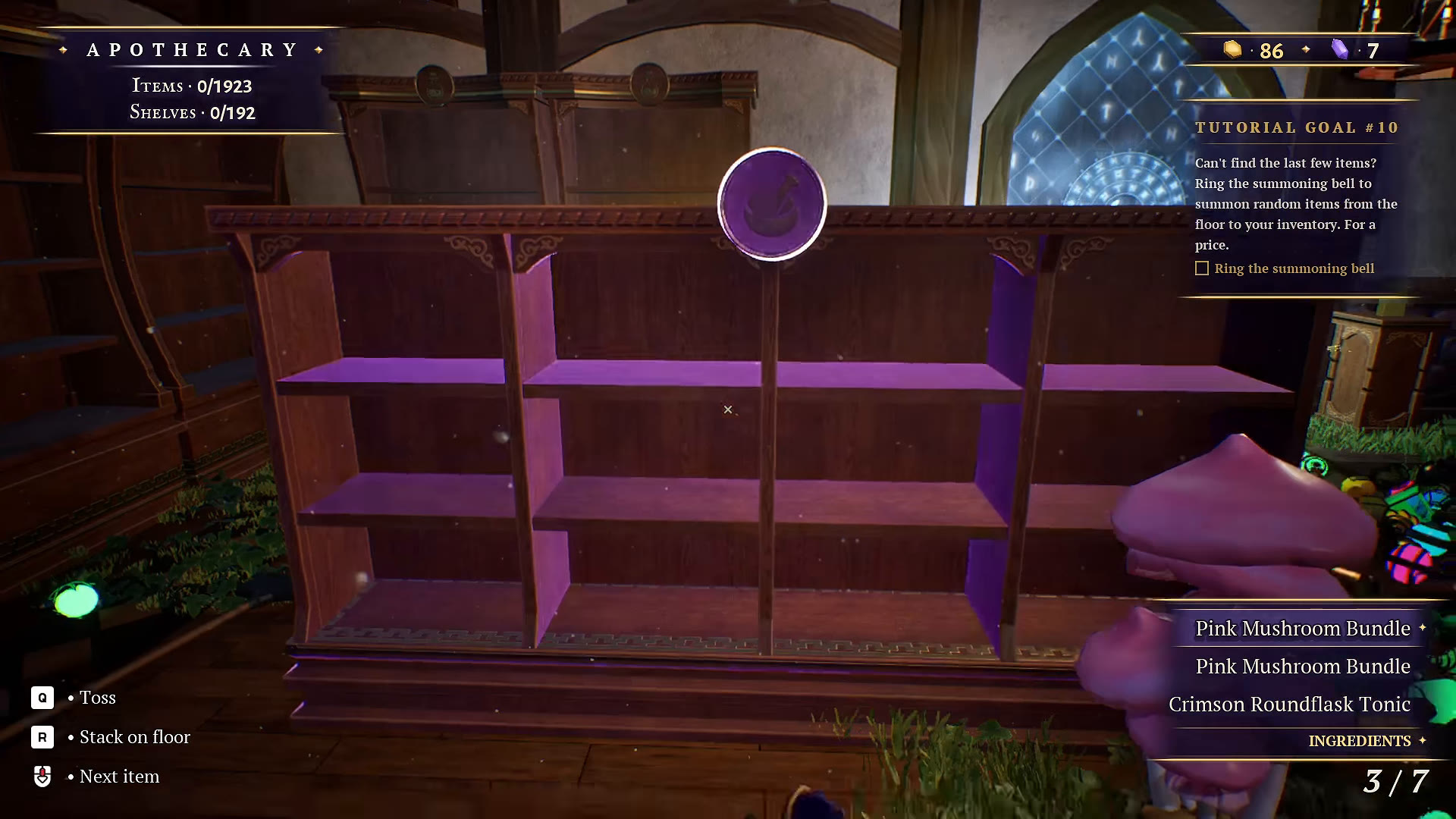
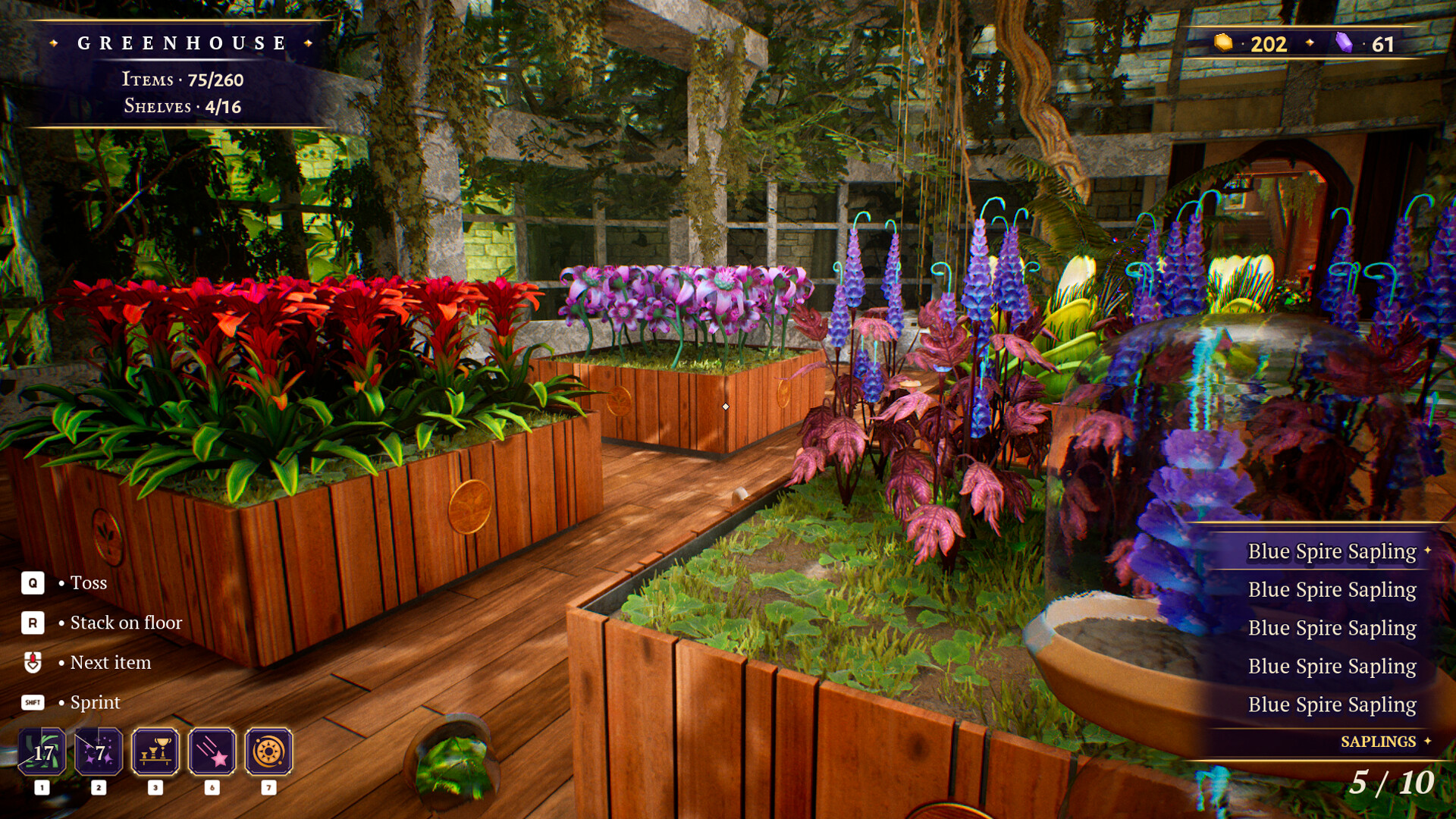
The October 14 patch added switches for dust and bloom, plus Apothecary grass. Try the visual options individually and compare the same scene. Disabling them may make the scene easier to inspect; we have not benchmarked their performance impact.
Audio and controls
A familiar-meow toggle was added to the audio settings. The October 14 notes also document rebinding for jump and stack. If you change bindings, follow the current in-game prompts rather than assuming that a screenshot’s keys still apply.
Steam Deck and frame pacing
The developer reported Steam Deck performance improvements on October 16 while acknowledging occasional lag. That statement is not a Valve compatibility rating. The same update enabled VSync by default and fixed the resolution dropdown.
For your own comparison, change a single setting, return to the same room, and observe the result. Keep a note of what you changed so you can undo an unhelpful adjustment.
YOUR PERSONAL FIELD NOTES
A small checklist
Saved in this browser when storage is available. Not connected to your game.
Sources & scope
These notes are based on the sources below, rather than a hands-on completion test. Sorting routines are our editorial suggestions.