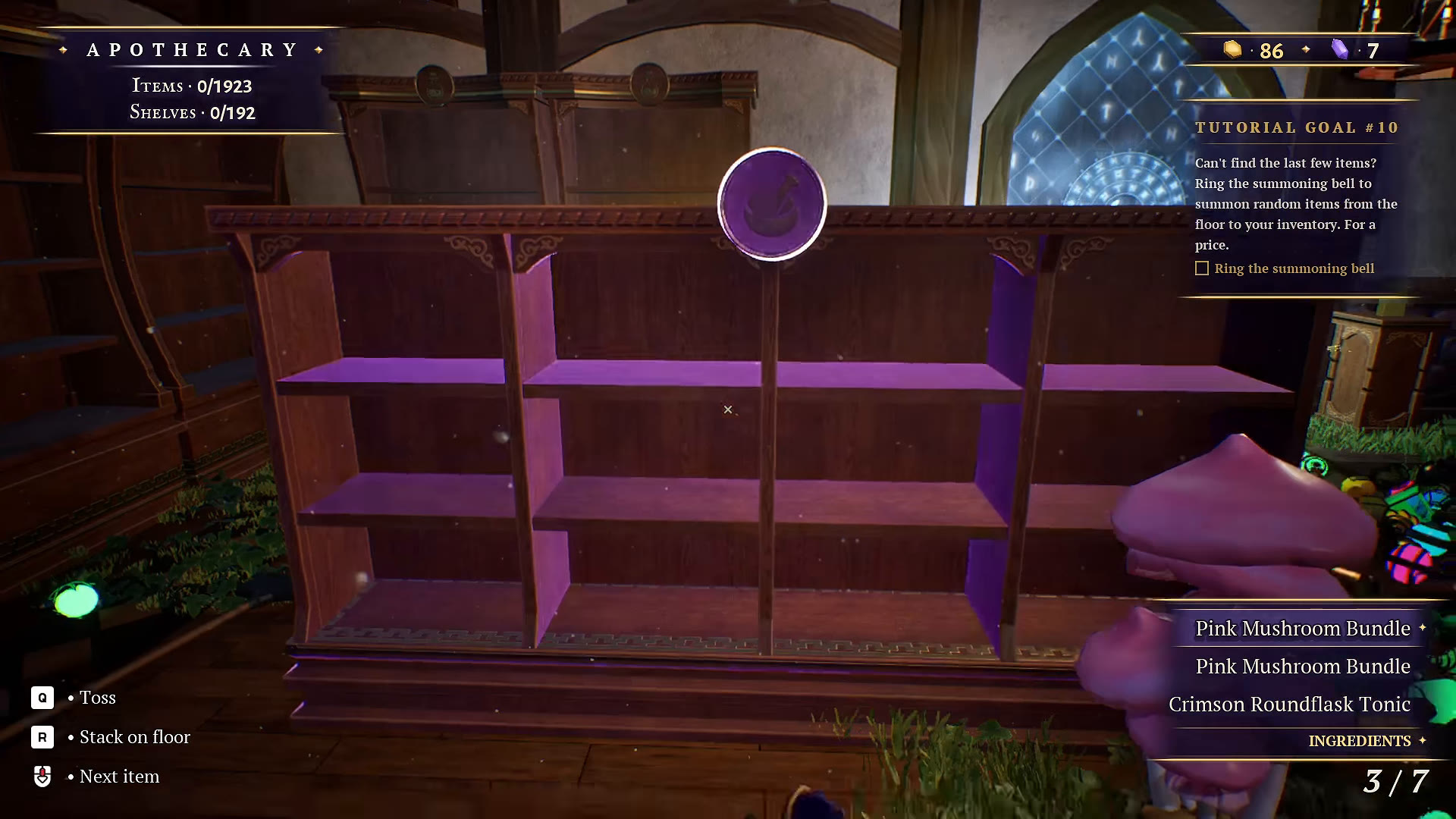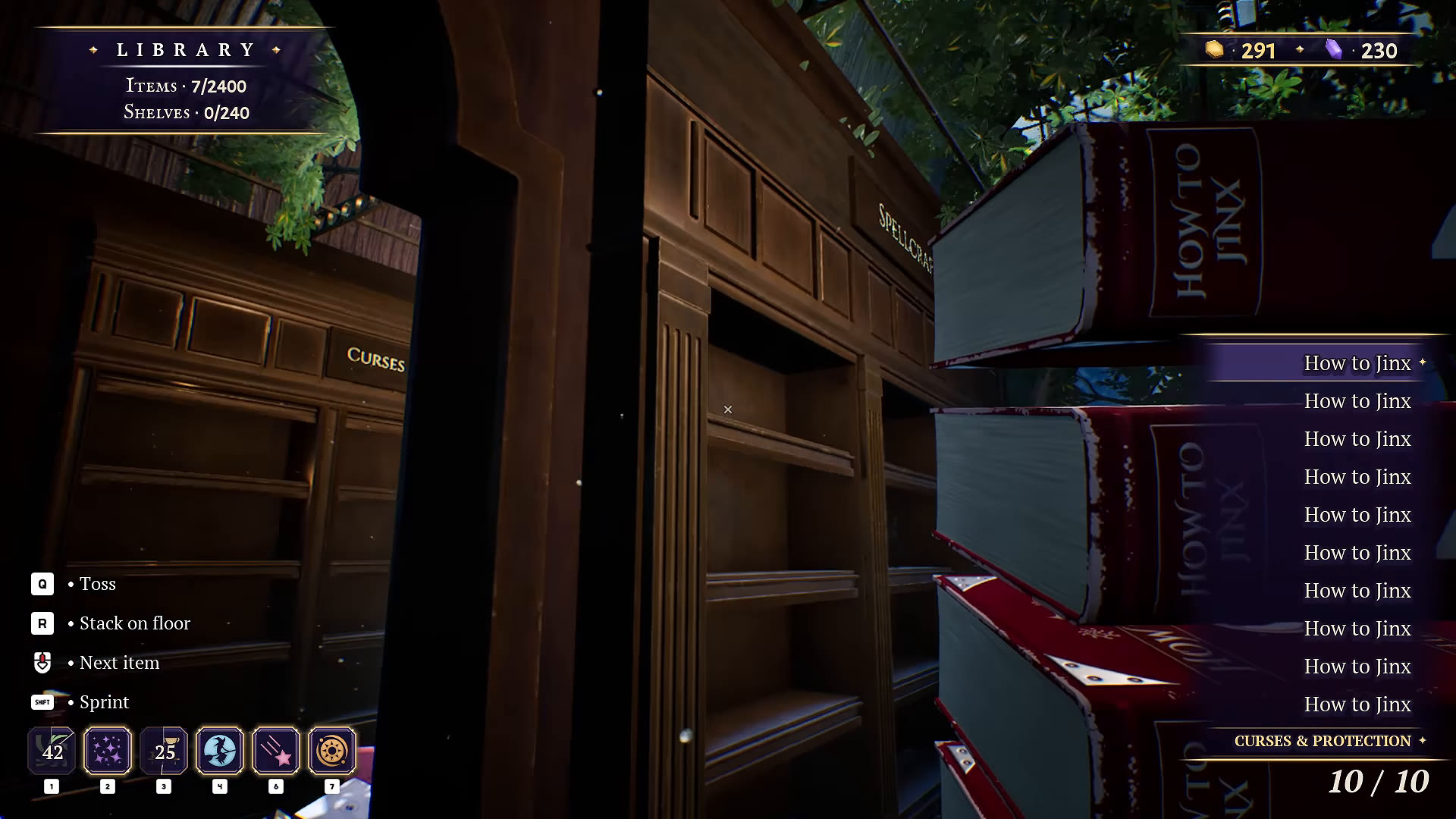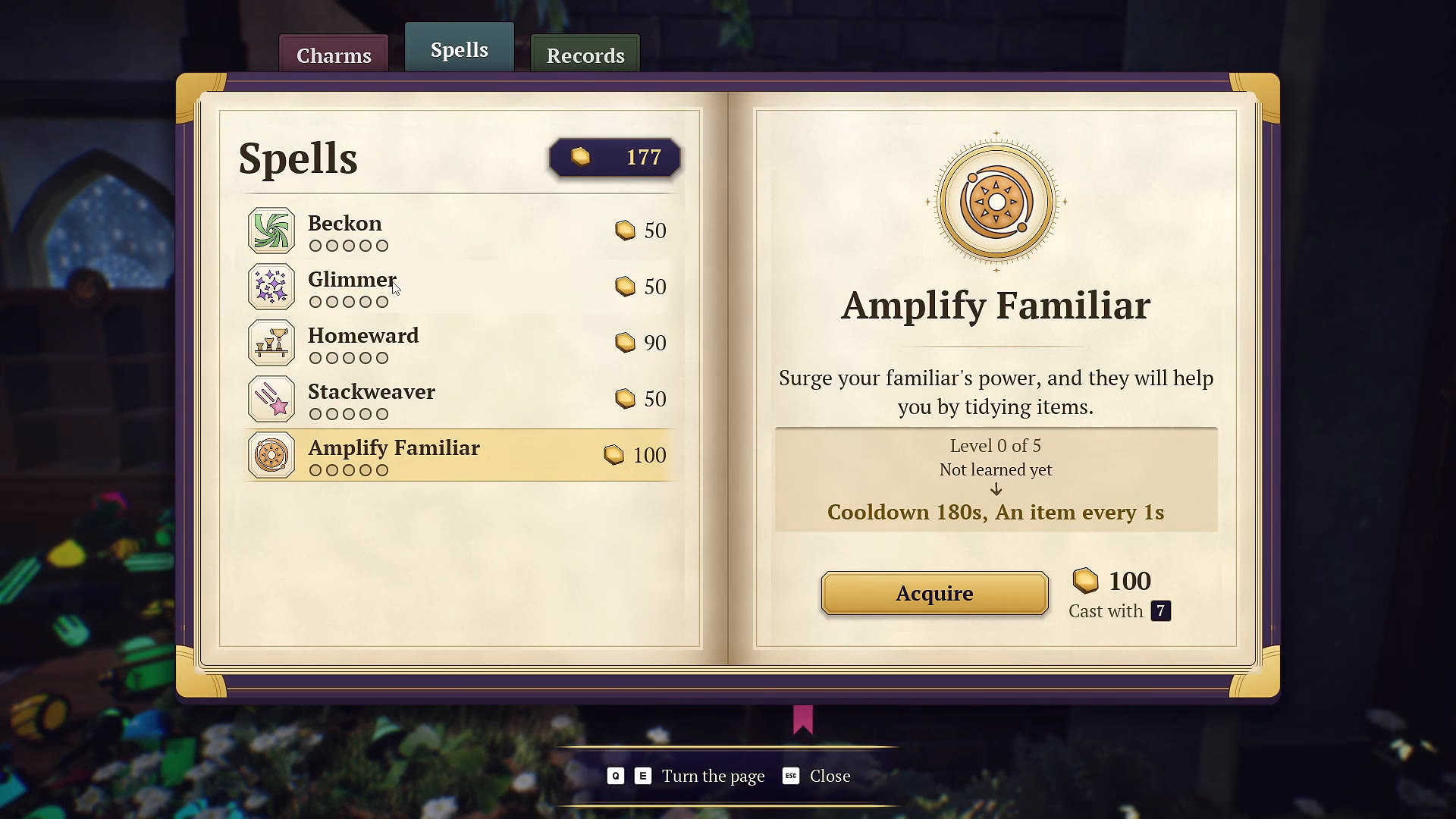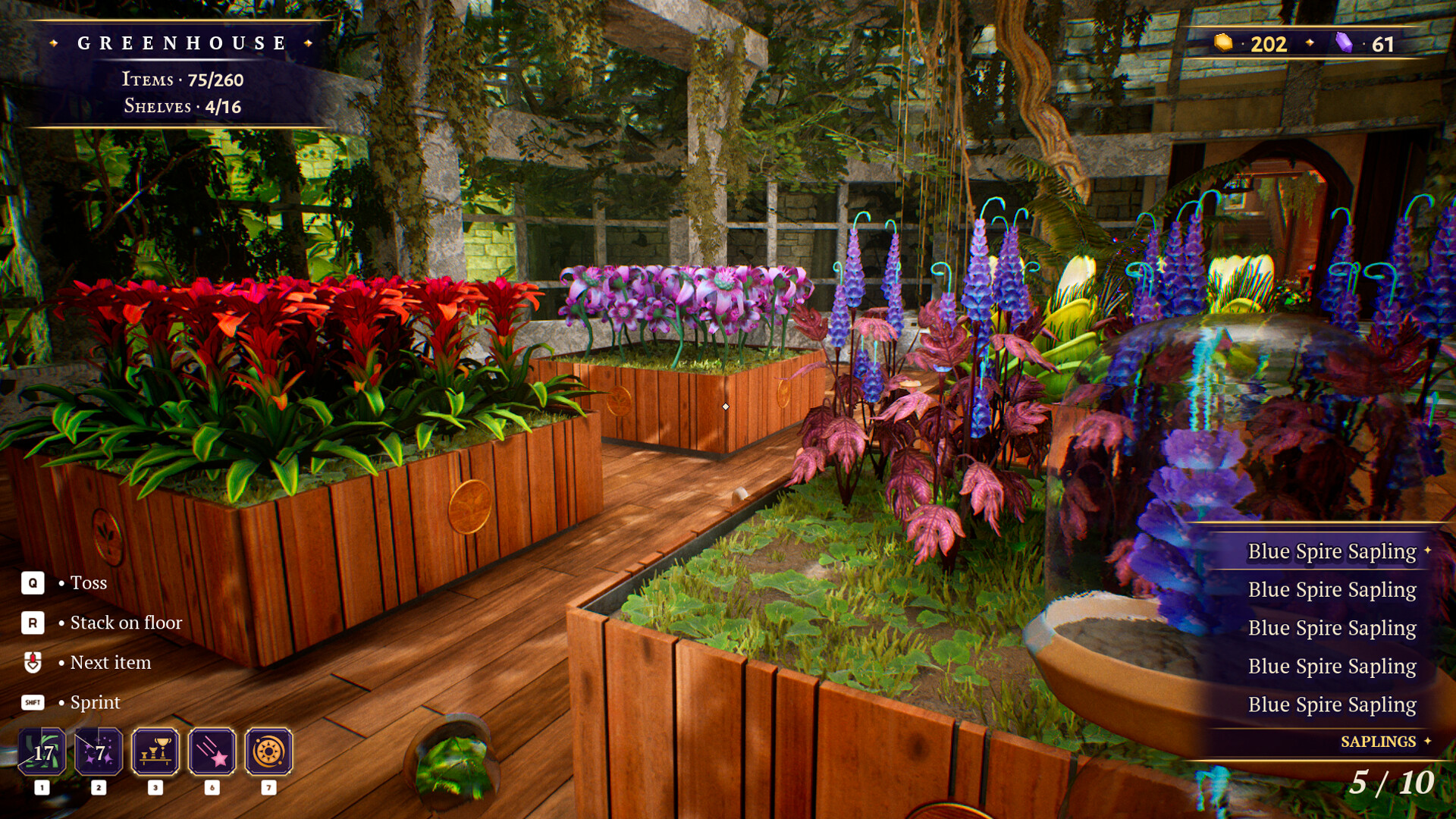
In the Greenhouse, check the selected sapling and the placement prompt over a planting box. Fire Flower and Pink Spike examples show how a batch leaves the inventory and adds to the room’s item count. When checking completion, compare both Items and Shelves with their current totals.
Start with a small batch of one sapling
- Read the selected item name and category. The inspected inventory lists these plants under SAPLINGS.
- Keep a batch of one named sapling selected so you can follow what changes.
- Aim into a planting box and check the displayed Place on shelf prompt.
- Use your displayed placement control, then compare the inventory and room item count.
This is our suggested review routine. A placement prompt is a useful cue to inspect; the stronger evidence in the examples below is the placement animation followed by fewer carried items and more credited items. Do not assume that aiming at any box proves it is the right destination.
Fire Flower: watch the batch leave your inventory
At 50:18, the inventory holds ten Fire Flower Sapling items, categorized as SAPLINGS. The player aims into a rectangular wooden planting box and the placement prompt is visible. The room reads Items 118/259.
At 50:19, saplings move into the box, coin feedback appears and three remain carried. By 50:20, inventory reads 0/10 and the room reads 128/259. This is a checked ten-item placement example. The nearby orange plants help orient the scene, but their color is not a verified universal matching rule.
Pink Spike: a second checked placement
At 51:02, five Pink Spike Sapling items are carried while the crosshair highlights a tall plant named Violet Bloom. That hovered plant name does not describe the selected sapling or prove a destination match.
At 51:04–51:05, the view turns to a low planting box containing round green plants with pink spikes. The visible placement sequence ends with an empty inventory and Items increasing from 148/259 to 153/259. Use the original scene to recognize the example; we have not established exact box coordinates or a complete set of destination labels.
The practical lesson is to keep the selected inventory name separate from whatever plant happens to be under the crosshair. Follow the placement result and the counters rather than combining unrelated labels into a recipe.
Shelves full, but Items still short?
In the checked end-of-room sequence at 53:45, Shelves already reads 16/16, but Items is 256/259. The inventory still holds two Evil Brooms and one Magic Broom. At 53:52, the inventory is empty and the HUD reads 256/256.
The total visibly changes. The sequence does not isolate why, so it does not prove that discarding or removing those particular brooms is a universal fix. Check your own carried items and both current counters before searching for a supposedly fixed number of missing plants.
Our suggested final pass is the planting boxes first, then loose objects around their edges and the paths between them. The completion checklist offers a broader review, and the summoning bell guide explains the checked recovery tool without promising it resolves every missing item.
Current interface and achievement checks
The October 16 developer update added a selected-item-only inventory view, an inventory-size slider and a shelf-board item count when hovering over a shelved item. Those options can make a busy plant scene easier to inspect; see inventory and display settings.
Green Witch Time has the official condition “Finish cleaning the greenhouse.” Check your actual Steam unlock status separately from this guide’s personal checklist. The edited achievement cards in the reference recording do not establish the exact live unlock moment.
For the other room and action goals, use the 22-achievement overview. If pursuing Unlimited Patience, read the no-active-spells rules before using the tools in the spell guide.
YOUR PERSONAL FIELD NOTES
A small checklist
Saved in this browser when storage is available. Not connected to your game.
Sources & scope
Selected frames from Beevr’s October 15, 2026 recording were reviewed on October 24, alongside current developer patch notes. This is video-based guidance, not our own playtest or a complete plant-to-box map. The recording predates the October 16 update; use your current controls and counters.